
ACCESS CHANNEL · INSTAGRAM
Instagram DM Automation: An AI Agent That Turns DMs into Sales
What's the price, is it in stock, how fast is shipping? Every question on Instagram is buying intent. The agent answers it the moment it arrives, with real data from your catalog.
- Connects through Meta's official Instagram API
- Works with professional accounts, set up in two steps



Flows
Three doors the agent handles on Instagram
Wherever the customer writes from, the same agent answers: same catalog, same knowledge base, same brand voice.
Direct messages
Each DM is read, understood and answered in your brand's voice. Product questions are answered from your catalog; shipping and returns from your knowledge base.
Example
Customer: Do you have this bag in black?
Agent: Black is in stock. Here's a photo and the product page.
Story replies
When a follower replies to your story, the agent sees the story itself. If the story is a video, a frame is passed in as context.
Example
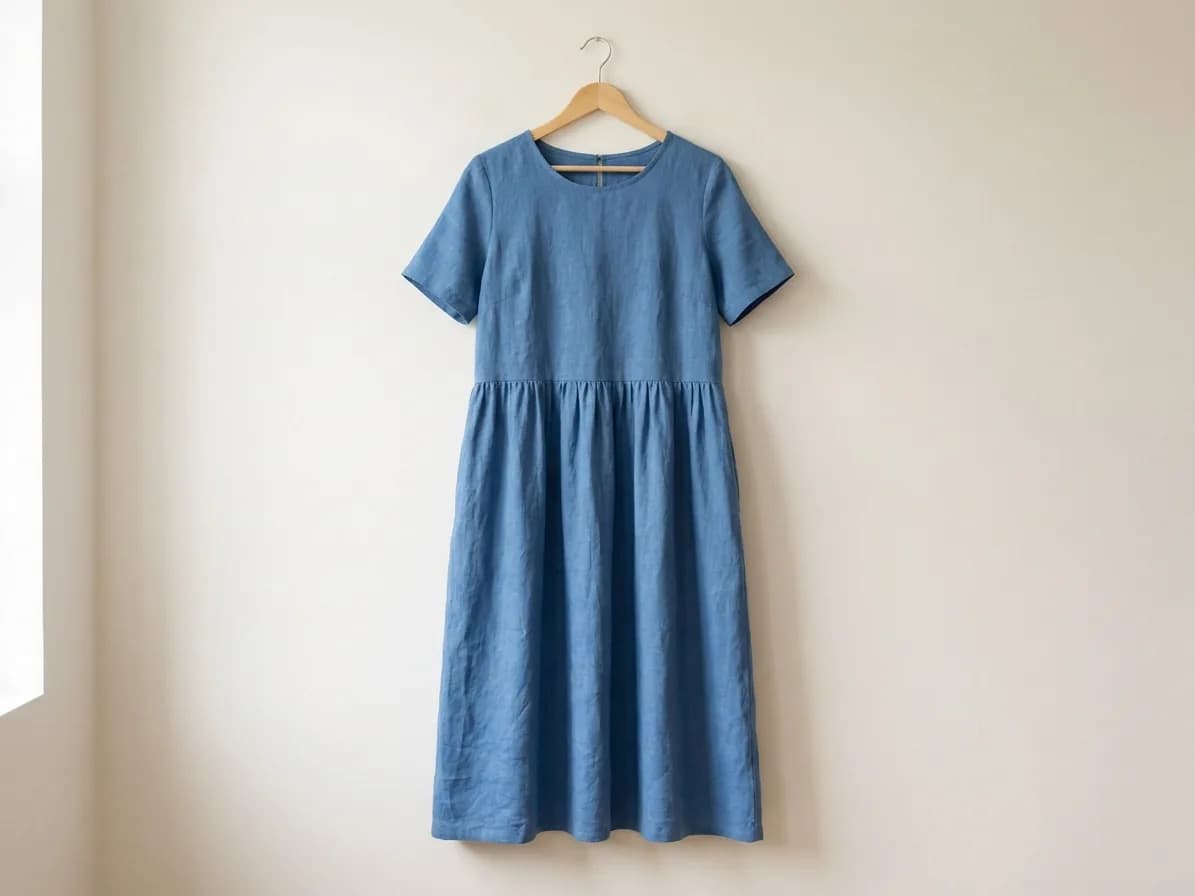
Customer: Is this dress available in M?
Agent: The dress in the story is in stock in M.
Post comments
A question under your post gets an answer right under the comment. The agent reads the post image and caption before replying.
Example
Customer: Price?
Agent: Hi! It's $39, white and beige are in stock.
Outcomes
A question comes in, the agent turns it into a sale
The four most common question types on Instagram, and what the agent does with each.
A stock question gets a product card
The customer sees the product with its photo and reaches the product page in one tap.
A size or colour question gets an answer with a photo
Stock is read separately for each size and colour in your catalog, so the customer lands on the right option's page.
A “price?” comment is answered right under it
Everyone reading the comments sees the answer, not just the person who asked.
A voice note gets a written reply
The customer doesn't have to type; the agent transcribes the note and answers it.
Example conversation
What a DM that turns into a sale looks like
Products are searched by meaning in your Smart Catalog: even when the customer describes “a small black shoulder bag”, the right product is found and sent with its photo.
Store rules like shipping time and returns come from your Knowledge Base; you define the times in the example.
What the agent understands
Text, voice and images: the agent reads them all
Voice notes
Transcribed automatically and answered like any message; the recording isn't stored.
Photos
A product photo from the customer becomes part of the conversation.
Stories
The image or a video frame of the story being replied to is passed to the agent.
Shared posts
When a customer shares your post in a DM and asks “how much?”, the agent reads the post image and caption and finds the right product.
Comments
Automatic replies to post comments
When a collection post takes off, questions pile up in the comments. The agent reads each new comment, uses the post image and caption as context, and replies right under the comment.
- The reply appears under the comment, so other followers with the same question see the answer too.
- The agent knows which post the comment is on and matches the product in it to your catalog.
- It recognizes its own replies and stays out of reply loops.
Every Instagram question, answered right away
Create a free account and connect your professional account; the agent starts answering from your catalog.
Comparison
Manual replies, keyword bots and the Giizo agent
There are three common ways to answer customer questions on Instagram. The difference is in how the question is understood and where the answer comes from.
| Topic | Manual replies | Keyword bot | Giizo AI agent |
|---|---|---|---|
| Understanding the question | You read it, during the hours you're online. | Runs when a word you defined in advance matches. | Understands the question by meaning, including different spellings and descriptions. |
| Products and images | You find the product and send the photo yourself. | Sends the fixed message you prepared for the rule. | Finds the right product in your catalog and sends it with its image and page link. |
| Voice notes | You listen and type a reply. | Matching works on written text. | Transcribes the note and answers it. |
| Stories and posts | You work out which post the customer means. | The reply is set by the rule you built. | Reads the image of the story being replied to and of the shared post. |
| Handoff to a person | The conversation is already with you. | Follows the step you defined in the flow. | Hands the conversation to your team with its full history when needed. |
| Nights and weekends | Limited to the hours you're online. | Runs at any hour for the rules you defined. | Answers at night and on weekends with the same catalog data. |
The table compares general approaches, not a specific product. Live support for handoff is available on paid plans.
Panel
See what the agent sells, in your panel
The “Agent's work” card in your panel sums up what your agents did in customer channels with four measures, broken down channel by channel; Instagram is one of them.
Conversations with recommendations
Conversations where the agent recommended a product to the customer.Products recommended
The number of distinct products that appeared in recommendations.Recommendations clicked
Recommendations whose link the customer tapped; bots and link previews are excluded.Handled without human handoff
The share of conversations judged answered without a handoff to a person or a new case.Conversation history
Every Instagram conversation the agent handles appears in the conversation list in your panel.
The numbers in the image are examples; the panel shows your own store's values.
Handoff and confirmation
A human when needed, a confirmation when it matters
Live support
When a customer asks for a person, the conversation moves to your team with its full history and the rep continues it from the panel. After hours, the customer gets your working hours and the agent keeps helping. Live support is available on paid plans: Live Support.Confirm button
Before running an action, the agent asks the customer to confirm with an Instagram quick-reply button.Orders and shipping
If your store system is connected, the agent checks order and shipping status in the system: Integrations.
Setup
Connect Instagram and put the agent to work
Connecting takes two steps. No Facebook Page, developer account or token needed.
Pick the agent
Open the integrations screen of the agent that will answer your DMs. The agent works with the catalog and knowledge base you've connected.Connect with Instagram
Approve the permissions in the Instagram window. The connection renews itself in the background.Follow the conversations
The agent starts answering incoming messages, and Instagram conversations appear in the conversation list in your panel.
Before you start
- Your account needs to be a professional account (Business or Creator). You can switch a personal account in Instagram settings in one step.
- Businesses using their own Meta app can also connect manually.
Where to start
Where should I start?
The Instagram channel works on its own. Depending on where you sell, you can connect the same agent to one more channel.
- I sell on Instagram and have no websiteOpen a shareable chat page for your agent and add its link to your profile or your stories.
- I have my own websiteThe same agent also answers as a chat window in the corner of your site.
- I sell on a marketplaceImport your products from the marketplace into your catalog; the agent uses the same catalog on Instagram.
Agents
Digital employees that work on this channel
FAQ
Frequently asked questions
How do I set up Instagram DM automation?
First pick the agent that will answer your DMs. On the agent's integrations screen, click "Connect with Instagram" and approve the permissions in the Instagram window; the agent starts replying with the catalog and knowledge base you've connected.
Which Instagram account type do I need?
A professional account: Business or Creator. You can switch a personal account to professional in one step in the Instagram app's settings.
Does it reply to Instagram comments automatically too?
Yes. The agent answers direct messages, story replies and posts shared in DMs; it also reads new comments on your posts, uses the post image and caption as context, and replies under the comment. Voice notes are transcribed, and photos and story images are passed to the agent as context.
Where do product and stock answers come from?
Your catalog. Product search works by meaning, not keywords, so the right product is found even when the customer describes it, and products with images are sent with their photo. Stock is read separately for options like size and colour. Store rules like shipping and returns come from your knowledge base.
Is my account safe?
The connection is made through Meta's official Instagram API. You don't share your password with Giizo AI; you approve the permissions in Instagram's own window, and you can remove the connection from the panel at any time. The agent only replies to messages sent to you and comments on your posts.
Will automatic replies look like spam?
Each reply is written on the spot from the meaning of the question and the data in your catalog; two customers using the same word still get different answers depending on the product they asked about. Replies are written in the customer's language and in your brand's tone. The agent only replies to customers who write to you and followers who comment.
How long does setup take?
Connecting Instagram takes two steps and completes as soon as you approve the permissions. The real preparation for good answers is your catalog and knowledge base: you can add products in the panel or import them from a connected store system. How long that takes depends on how many products you have.
What happens if a customer wants to talk to a person?
If live support is on, the conversation moves to a rep on your team with its full history, and the rep continues the Instagram conversation from the panel. Live support is available on paid plans; see the Live Support page.
Can I connect Instagram on the free plan?
Yes, the Instagram channel works on the free plan too. Plan differences such as conversation limits and live support are listed on the pricing page.
When your post takes off, let every question find its answer
Connect your professional account and let the agent answer DMs, story replies and comments from your catalog.